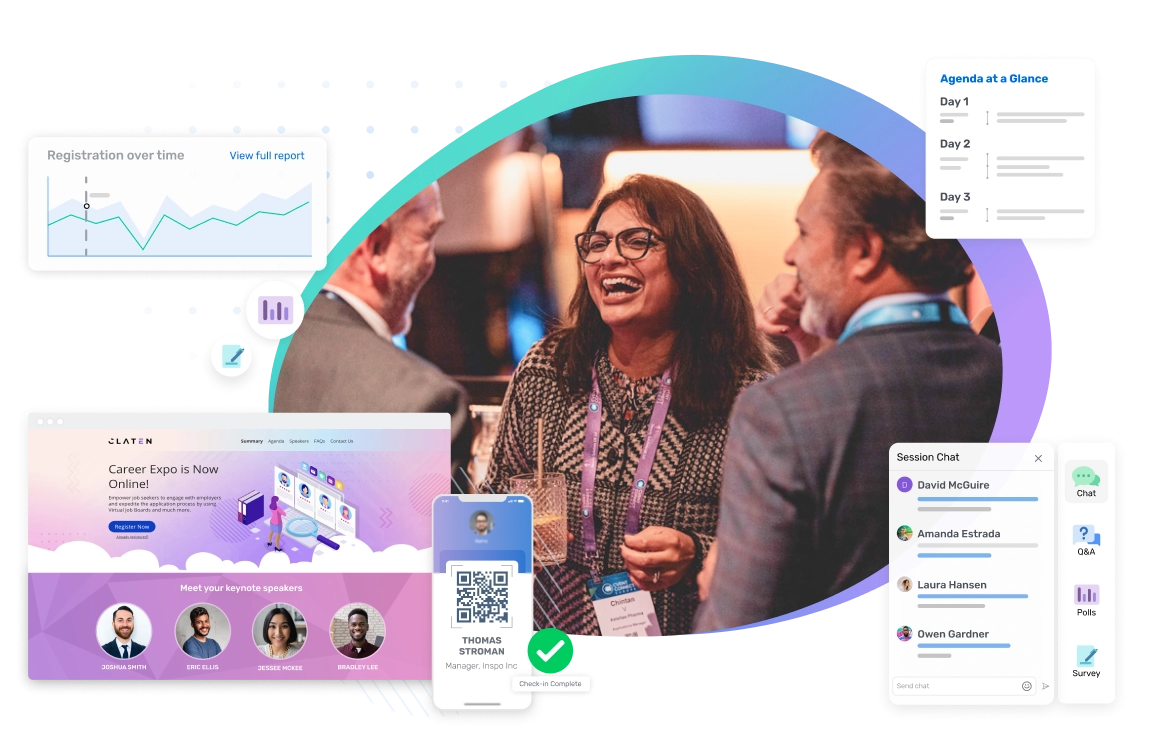
Event planning and marketing in one place
Event lifecycle
Seamless event marketing and management, real resultsIntegrate your event data from Cvent with your other business systems to quickly send leads to sales and marketing and get improved insights.
Store your event data and calculate ROI, understand engagement, manage costs, and improve your event strategy.
Collect smart, timely attendee feedback to increase your events’ success year after year.
Use one lead retrieval tool to easily qualify leads to pass on to sales and marketing.
Track and score your attendees' journey through interactions and activities at your events.
Keep track of all the meetings and events happening at your organization with meeting request forms, streamlined approval workflows, and budget management tools.
Simplify your venue sourcing processes from start to finish, with access to 300,000+ venues.
Browse and discover thousands of experienced service providers to accommodate your event.
Streamline your room block management process and manage your preferred hotel program.
Collaborate with your team to bring your event to life with to-scale event diagrams, interactive floorplans, and photo-realistic 3D rendering.
Help your attendees meet each other and connect with exhibitors, sponsors, and employees at your event.
Give your in-person and virtual attendees an easy way to network, get event updates and content, connect with sponsors, and more.
Create a seamless onsite experience to quickly check attendees in, print their name badges, and track attendance.
Create engaging virtual experiences that allow attendees to consume live and on-demand content, network with each other, meet with sponsors and exhibitors, and more.
Use intuitive production tools to create engaging webinars that will wow your attendees.
Easily manage the call for speakers process and collaborate on event logistics with your speakers.
Streamline logistics and communications, eliminate back-and-forth coordination, and deliver exhibitor ROI.
Send automated, personalized emails to engage your audience, boost response rates, and increase attendance.
Build branded event websites with an easy drag-and-drop site designer and drive people to register.
Create personalized registration experiences that capture the right attendee details and securely process payments.
Event lifecycle
Seamless event marketing and management, real resultsKeep track of all the meetings and events happening at your organization with meeting request forms, streamlined approval workflows, and budget management tools.
Simplify your venue sourcing processes from start to finish, with access to 300,000+ venues.
Browse and discover thousands of experienced service providers to accommodate your event.
Streamline your room block management process and manage your preferred hotel program.
Collaborate with your team to bring your event to life with to-scale event diagrams, interactive floorplans, and photo-realistic 3D rendering.
Easily manage the call for speakers process and collaborate on event logistics with your speakers.
Streamline logistics and communications, eliminate back-and-forth coordination, and deliver exhibitor ROI.
Send automated, personalized emails to engage your audience, boost response rates, and increase attendance.
Build branded event websites with an easy drag-and-drop site designer and drive people to register.
Create personalized registration experiences that capture the right attendee details and securely process payments.
Help your attendees meet each other and connect with exhibitors, sponsors, and employees at your event.
Give your in-person and virtual attendees an easy way to network, get event updates and content, connect with sponsors, and more.
Create a seamless onsite experience to quickly check attendees in, print their name badges, and track attendance.
Create engaging virtual experiences that allow attendees to consume live and on-demand content, network with each other, meet with sponsors and exhibitors, and more.
Use intuitive production tools to create engaging webinars that will wow your attendees.
Integrate your event data from Cvent with your other business systems to quickly send leads to sales and marketing and get improved insights.
Store your event data and calculate ROI, understand engagement, manage costs, and improve your event strategy.
Collect smart, timely attendee feedback to increase your events’ success year after year.
Use one lead retrieval tool to easily qualify leads to pass on to sales and marketing.
Track and score your attendees' journey through interactions and activities at your events.


Powerful event management software
Automate your event planning process with Cvent event technology.
Host engaging webinars, in-person, virtual, and hybrid events and get real results.

REGISTRATION
Capture event registrations in beautiful online experiences

MOBILE EVENT APPS
Connect to your audience with personalized app experiences

CHECK-IN AND BADGING
Quickly check in attendees and print badges on demand

CVENT WEBINAR
Create interactive webinars on a powerful, flexible platform



Join thousands of planners and marketers who love our software


What's new at Cvent
CVENT CONNECT
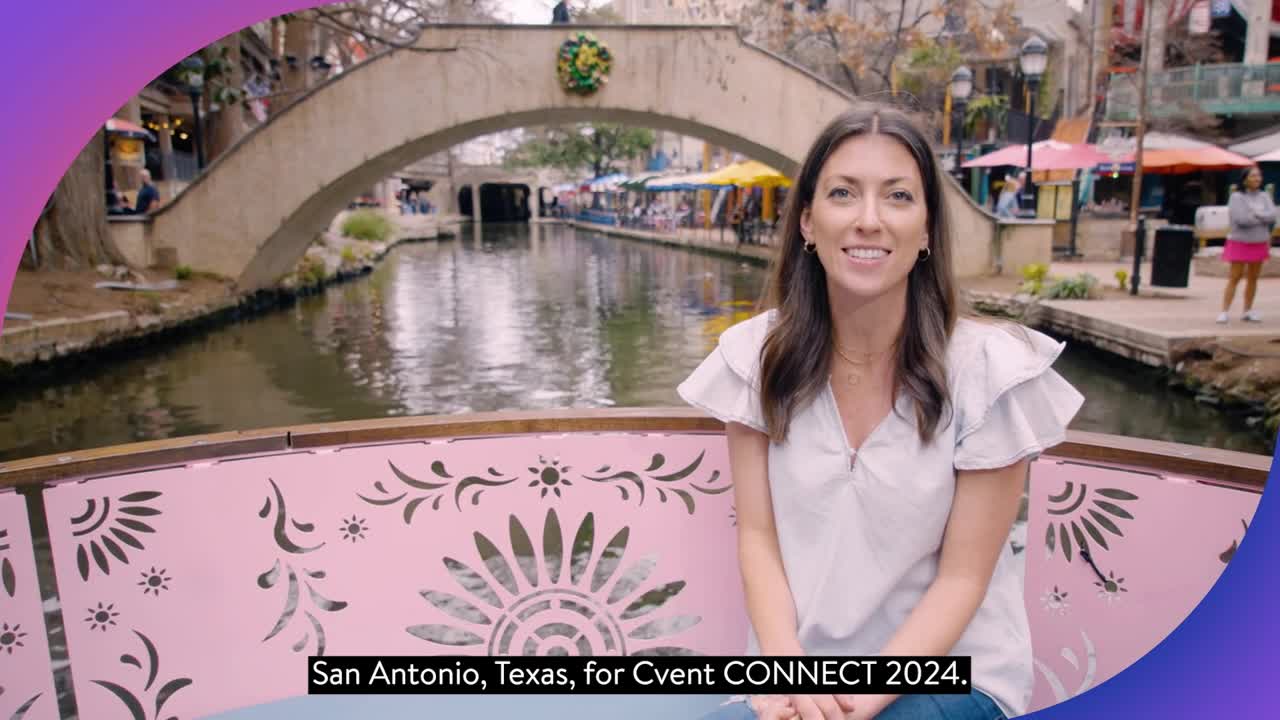
Registration is now live for Cvent CONNECT 2024!
June 10-13, 2024 | San Antonio, TX | Virtual
NEW RESOURCE
Discover the world’s top hotels and destinations for your next meeting or event
A complete platform for your events
Maximize the impact of all your meetings and events with easy-to-use, integrated event technology.
Request a demo to see how you can:
- Plan and market events
- Easily manage events onsite
- Engage with your audience
- Measure and analyze results